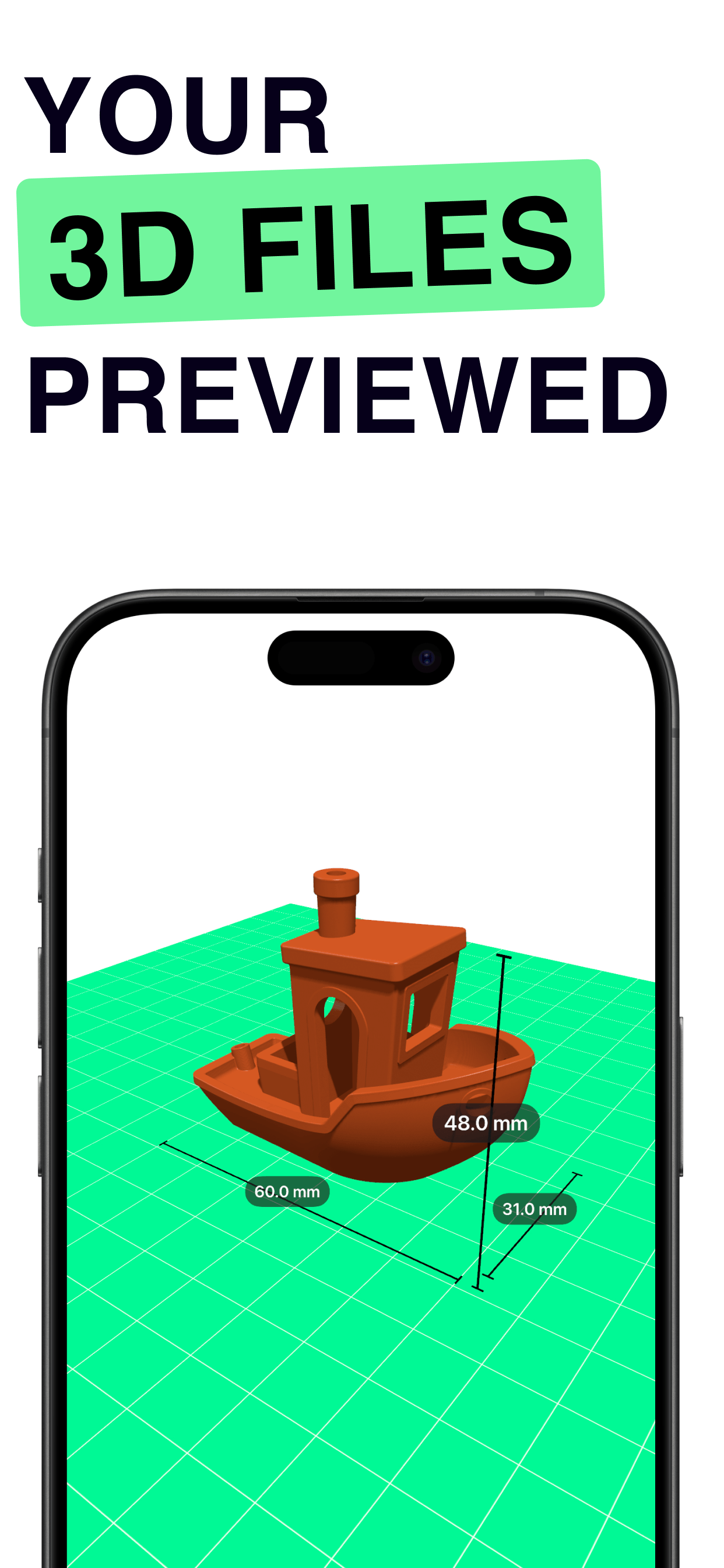
Open STL, OBJ, USDZ, and 3MF files. Customize colors, set your printer bed size, preview in AR, and capture screenshots and video.
A complete 3D model viewer built for makers, designers, and 3D printing enthusiasts.
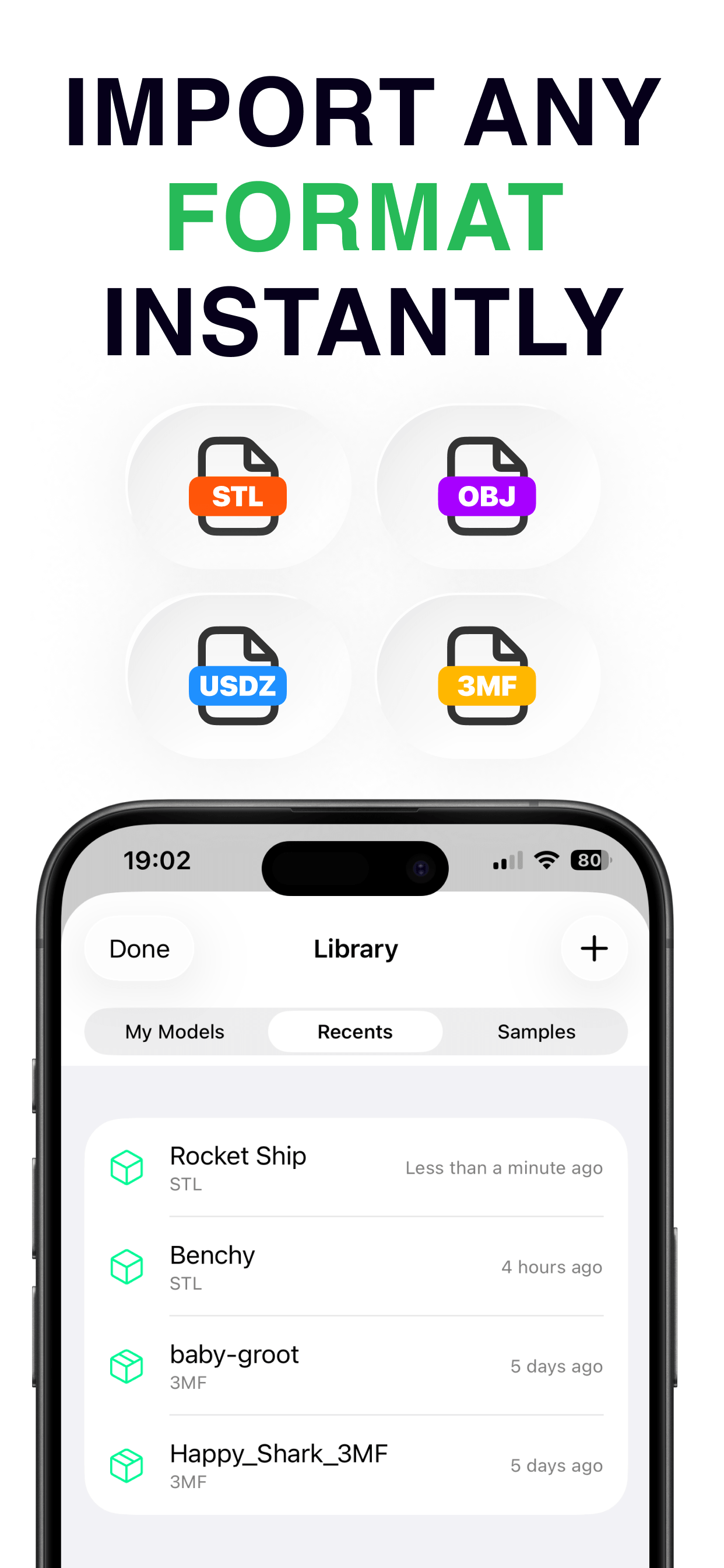
Open STL, OBJ, USDZ, and 3MF files directly on your iPhone. Binary and ASCII STL supported.
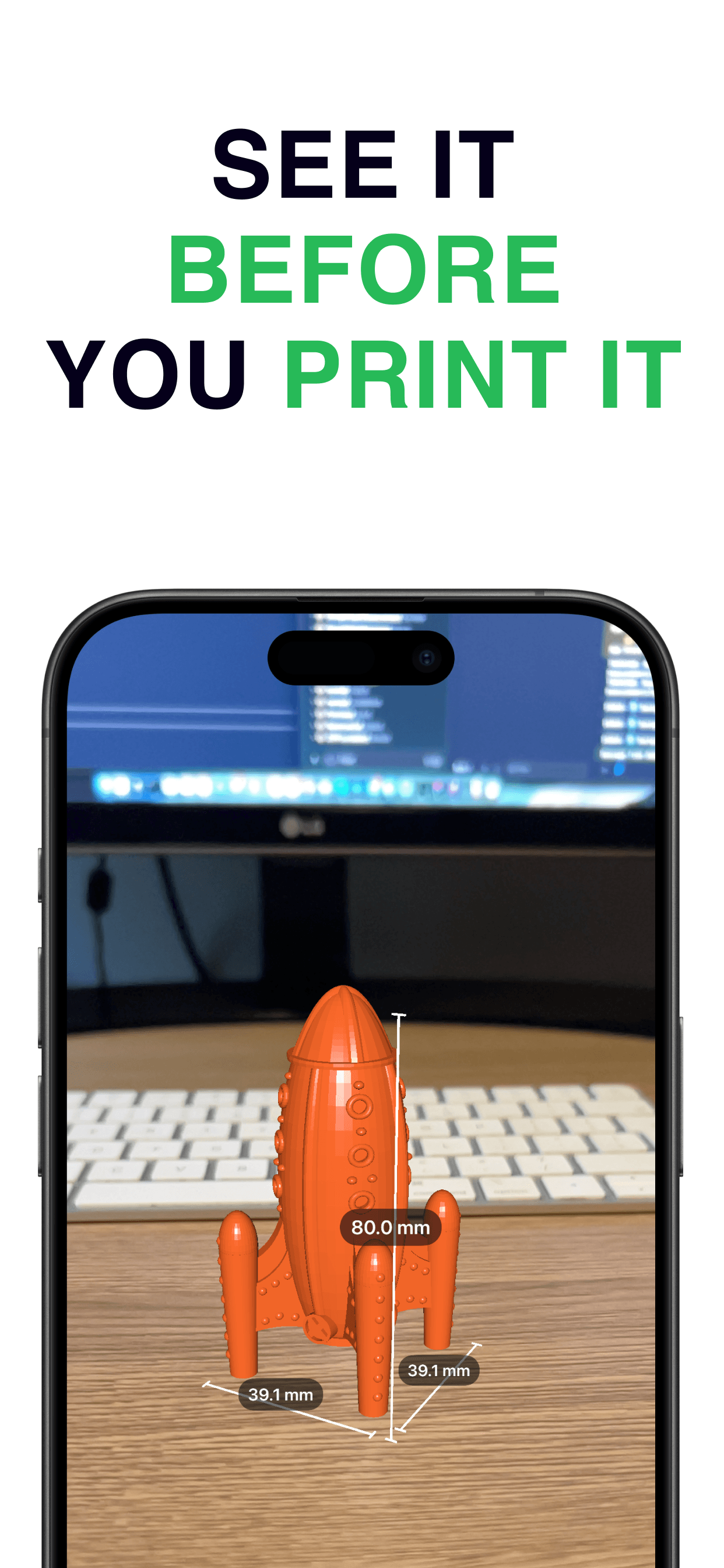
Place your model in the real world at true scale using augmented reality with real-time measurements.
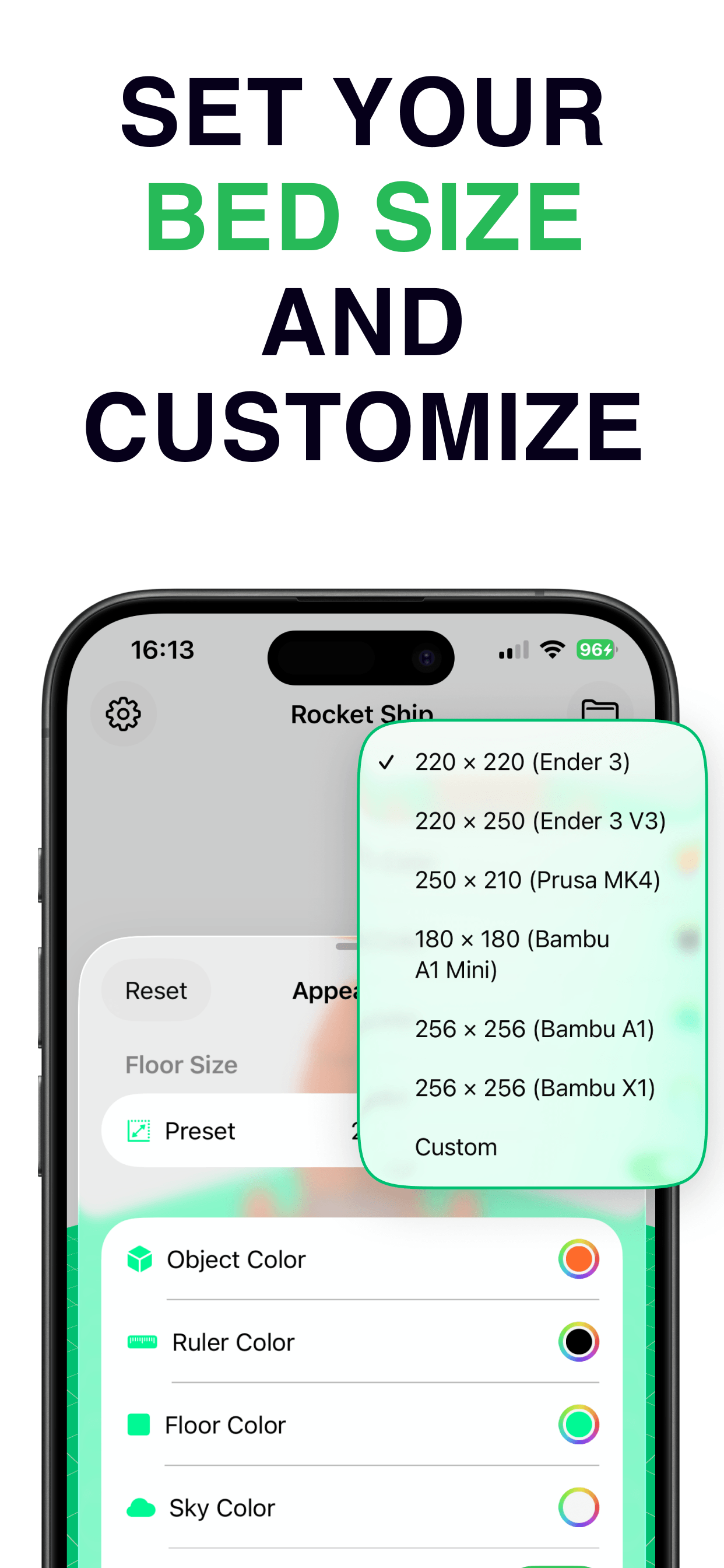
Customize object color, floor, sky, grid, and printer bed presets for Ender 3, Prusa, Bambu, and more.
Take screenshots and record video of your 3D viewport or AR session to share anywhere.
Import files from anywhere — AirDrop, Files, email, or any app that shares 3D models.
Binary & ASCII
Wavefront
Apple 3D
3D Manufacturing
From file to full preview in seconds.
Open any STL, OBJ, USDZ, or 3MF file from Files, AirDrop, or other apps.
Change colors, set your printer bed size, rotate the view, and see real dimensions.
Place the model on your desk at true scale and see it before you print it.
Download 3DKit for free and start viewing your 3D models in seconds.
Coming SoonRequires iOS 17.0 or later. Free to download.